Install & setup.
One script line on your site, the rest in your Console. Most teams are live in an afternoon; the snippet itself takes about 2 minutes.
One line, before </body>.
<script type="module"
        src="https://embed.blal.pro/v1/embed.js"
        data-widget="your-brand"></script>

// that’s it. Lily is live on every page.
The widget is sandboxed, so it can’t break your page. Your data-widget id comes from the Console when you create a widget. Remove the line and she’s gone.
Then, in your Console.
Create your widget
Sign in at embed.blal.pro, create a widget, and copy its data-widget id into the snippet.
Upload your knowledge
Point her at your pages, docs and FAQ in the knowledge-base section. She answers from what you give her, and says so when she doesn’t know.
Tune the widget
Widget settings cover the voice, languages, look, and the retention mode (off / session / persistent); see trust for what each means.
Set proactive triggers
Optional: let her open the conversation on the pages you choose: a quiet greeting on pricing, an offer of help on docs.
Take over anytime
The takeover inbox shows live conversations; step in as a human whenever you want, and she hands off without pretending.
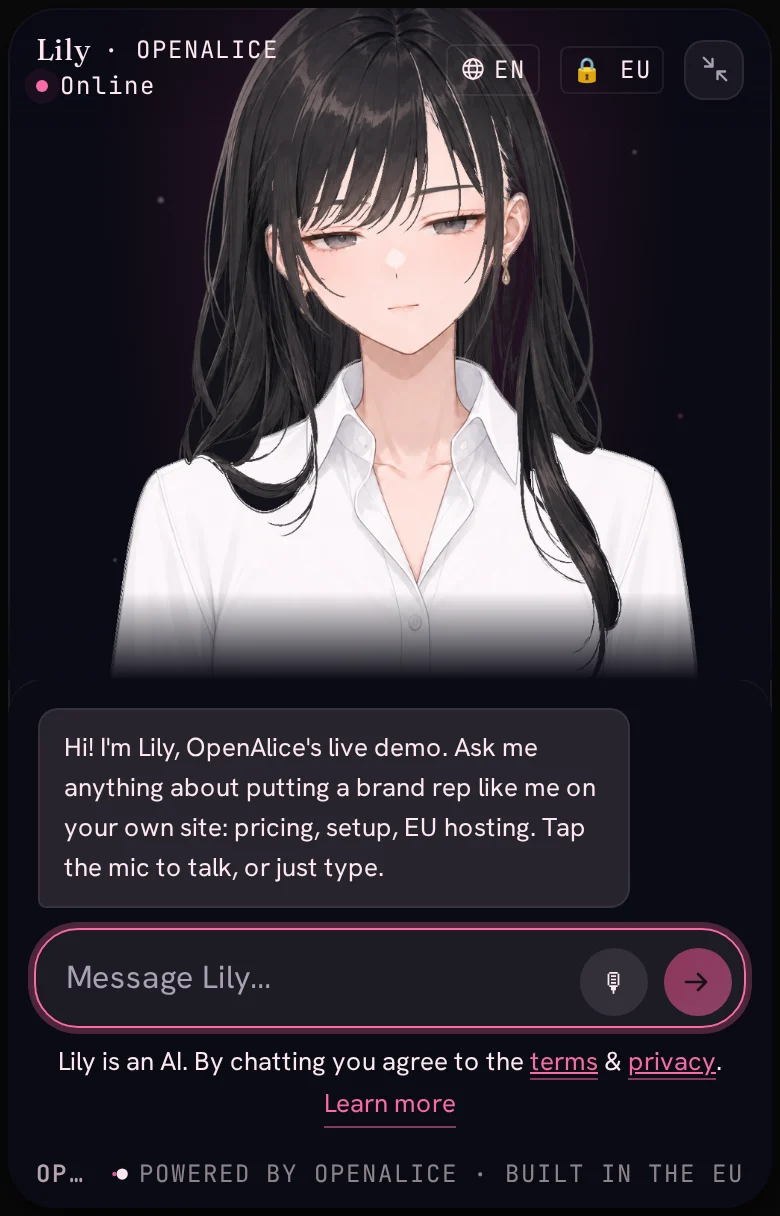
More questions? The Embed FAQ covers what buyers actually ask, or just ask Lily in the corner right here: setup, pricing, limits. She’s the product, answering for herself.